


Increase the size of your images while maintaining their quality
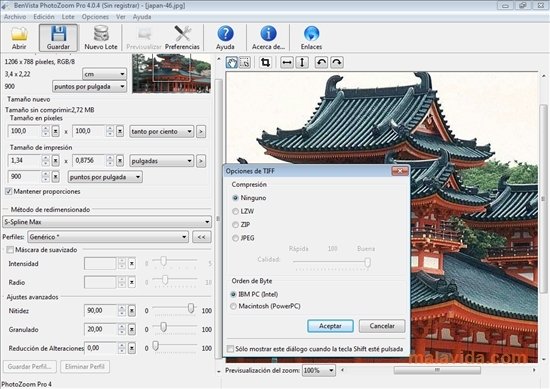
BenVista PhotoZoom is a tool with which you'll be able to increase the size of a digital photo without losing any quality. Usually, when you change the size of an image, specially when you enlarge it, the result is far from perfect, because a lot of noise or flaws appear. BenVista PhotoZoom uses several techniques to maintain the quality as much as possible whenever a photo is enlarged or shrunk.
Enlarge a photo without sacrificing quality
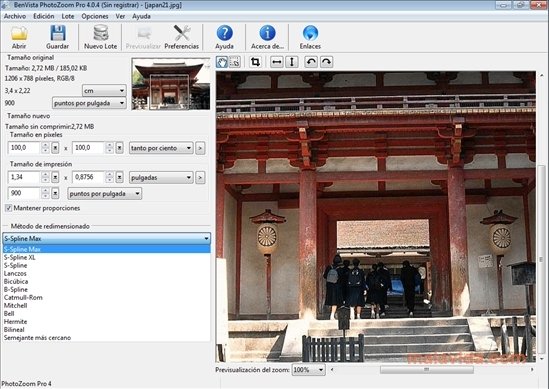
Furthermore, this application is very easy to use. You'll only have to open the image that you want to resize, select how much you want to enlarge or shrink it by and choose the method to be used during the process. You'll also have the possibility to use a smoothing mask to obtain an even better result.
When it comes to choosing the new size, you'll be able to do so by indicating a percentage to be applied to the photo, or on the contrary indicate the exact amount of pixels that you want to enlarge the photo by.
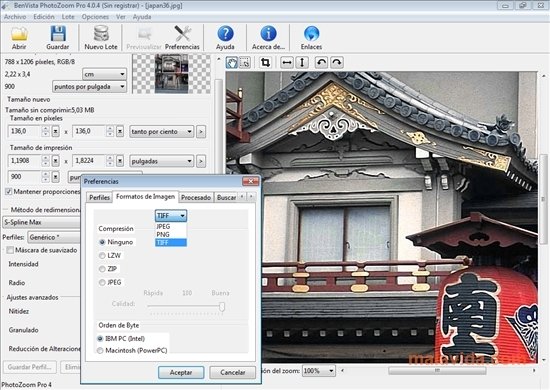
BenVista PhotoZoom also allows you to install automation and exporting plug-ins to be able to use them with Adobe Photoshop.
 Leticia Sorivella
My name is Leticia. I really like movies, television, and music. That is why I studied Audiovisual Communication. In the beginning, I wanted to work in movies, but I ended up on television. Then, I went from being behind the cameras to being in...

Antony Peel